
About Starlight Style Studio
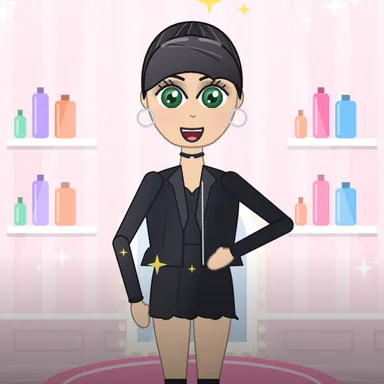
Every client who walks into Starlight Style Studio arrives in a fluffy salon robe with a wish: a beach day in coral and white, a gala in gold and black, a cozy winter walk in red. Read the brief, then build the whole look yourself. Pick a hairstyle and a hair colour, brush on eyeshadow, lipstick, blush and lashes, paint her nails, and choose from racks of tops, skirts, jeans, dresses, jackets, shoes, earrings, necklaces, bags, hats and glasses, more than two hundred and fifty pieces drawn in a soft, glossy doll style. A heart meter rises as the look matches her occasion, style and favourite colours, and her face lights up when you are close, so you always know if you are on the right track. Clashing prints or the wrong shoes for the gym will cost points, while a coherent colour story earns a perfect score. When you are happy, send her to the photo shoot: she poses in front of a beach, party, chapel or snowy backdrop while the camera flashes, and the polaroid reveals your rating. Thirty clients unlock new wardrobe pieces as you go.
How to play
Read the brief card (occasion, style, colours). Tap a station tab (outfit, hair, makeup, nails, accessories), pick a category, then tap items to put them on; tap again to take them off. Watch the heart meter and her face, then press Done for the photo shoot.
Controls
| Click / Tap | Select |
| Drag | Drag |
📺 Play on a TV or projector
- Laptop or PC: connect it to the TV or projector with an HDMI cable (or cast the Chrome tab / mirror your screen), then press the fullscreen button.
- Android TV, Google TV or a TV box: open this site in a browser app on the TV (any Chromium-based TV browser works) and pick a game with the remote's arrows and OK.
- Gamepad: pair a Bluetooth controller (Xbox, PlayStation or a generic one) or plug in a USB one. Stick or D-pad moves, Ⓐ/✕ jumps and selects, Start pauses, View/Select switches fullscreen. In point-and-click games the right stick moves a pointer and RT clicks.
- Phone or tablet: mirror or cast your screen to the TV, or open the site in the TV's own browser.
Difficulty: ★★☆☆☆ · Released: 2026-10-08