
About Go Fish: Lagoon Card Party
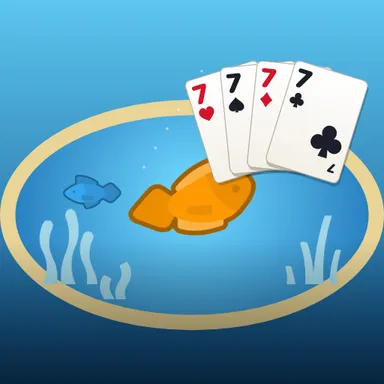
Go Fish: Lagoon Card Party is the friendliest card game there is, played around a sparkling pond where little fish swim between the floating cards. Everyone gets a hand of cards; the rest are scattered in the pond. On your turn, tap one of your cards to choose its rank, then ask another player for that rank. If they have any, they must hand over every one and you ask again. If not, they shout Go fish! and you pull a card from the pond, and if it happens to be the rank you asked for, you show it off and keep going. Collect all four cards of a rank to lay down a book. When every card has been booked, the player with the most books wins. It is a game of memory as much as luck: listen to what everyone asks for, because asking proves they hold that rank, and remember who has already said go fish. Play with two, three or four players against Easy, Normal or Hard opponents ported from an AI that keeps track of every tell. Speech bubbles, flying cards, splashes and sparkles make each turn a little show, hints help younger players, and you can play live online with friends.
How to play
Tap a card to choose its rank, then tap Ask on a player. They hand over every card of that rank, or say Go fish and you draw from the pond. Four of a kind make a book. Most books at the end wins. H = hint, Enter = ask, U = undo.
Controls
| Click / Tap | Select |
| Enter | Place |
📺 Play on a TV or projector
- Laptop or PC: connect it to the TV or projector with an HDMI cable (or cast the Chrome tab / mirror your screen), then press the fullscreen button.
- Android TV, Google TV or a TV box: open this site in a browser app on the TV (any Chromium-based TV browser works) and pick a game with the remote's arrows and OK.
- Gamepad: pair a Bluetooth controller (Xbox, PlayStation or a generic one) or plug in a USB one. Stick or D-pad moves, Ⓐ/✕ jumps and selects, Start pauses, View/Select switches fullscreen. In point-and-click games the right stick moves a pointer and RT clicks.
- Phone or tablet: mirror or cast your screen to the TV, or open the site in the TV's own browser.
Difficulty: ★☆☆☆☆ · Released: 2026-10-07