
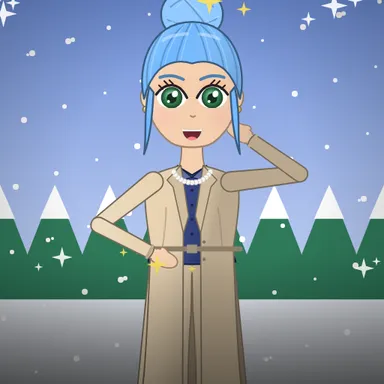
About Twin Look Challenge
A client hands you a photo from her favourite fashion magazine and says: make me look exactly like this. In Twin Look Challenge you get a few seconds to study the picture, then it flips face down and you have to rebuild the outfit from memory. Was the skirt plaid or pleated pink? Were the earrings hoops or drops, the hair a high ponytail or a bob, the shoes white sneakers or red flats? Every correct piece scores full points, the right item in the wrong colour scores half, and extra pieces that were not in the photo cost a little, so careful observation matters more than piling everything on. You may peek at the photo twice per client if your memory fails. The first clients wear just three or four pieces; later looks combine a dozen details across clothes, hair colour, makeup and accessories, and the photo is shown for less time. It is a dress-up game and a memory game in one, perfect for players who like a real challenge between the outfits. Finish each look with a photo shoot and see how close you came to a perfect twin.
How to play
Study the photo while it is shown, then tap stations, categories and items to recreate the same look from memory. Use Peek (twice per client) if you forget something. Press Done when the look matches.
Controls
| Click / Tap | Select |
| Drag | Drag |
📺 Play on a TV or projector
- Laptop or PC: connect it to the TV or projector with an HDMI cable (or cast the Chrome tab / mirror your screen), then press the fullscreen button.
- Android TV, Google TV or a TV box: open this site in a browser app on the TV (any Chromium-based TV browser works) and pick a game with the remote's arrows and OK.
- Gamepad: pair a Bluetooth controller (Xbox, PlayStation or a generic one) or plug in a USB one. Stick or D-pad moves, Ⓐ/✕ jumps and selects, Start pauses, View/Select switches fullscreen. In point-and-click games the right stick moves a pointer and RT clicks.
- Phone or tablet: mirror or cast your screen to the TV, or open the site in the TV's own browser.
Difficulty: ★★★☆☆ · Released: 2026-10-08