
About FreeCell Solitaire Classic
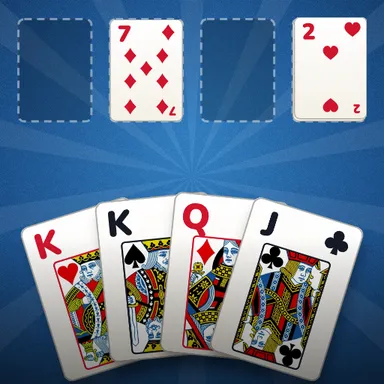
FreeCell Solitaire Classic is the thinking player's patience game: every one of the fifty-two cards is dealt face up into eight columns, so nothing is hidden and nothing depends on luck. Four free cells in the top-left corner each hold a single card while you rearrange the table, and four foundations on the right collect each suit from Ace to King. Build down the columns in alternating red and black, place any card in an empty column, and move whole runs at once whenever you have enough free cells and empty columns to make the move legal; the game works out the limit for you and tells you when a run is too long. Safe cards fly home automatically, so you can focus on the plan instead of the bookkeeping. Every deal is checked by a solver before you see it, so each game can be won with careful play. For a sharper test, switch to three or even two free cells in the menu. Smooth drag and drop, tap-to-move with smart destinations, hints that always point toward a winning line, unlimited undo, a daily deal, statistics and the bouncing-card finale make it a complete, polished FreeCell on desktop and mobile.
How to play
All cards are face up. Build columns down in alternating colours; any card can fill an empty column. Each free cell (top left) holds one card. Move every suit A→K to the foundations (top right). Runs move together when you have enough free space. Drag or tap; Hint (H), Undo (Z).
Controls
| Drag | Drag |
| Click / Tap | Tap |
📺 Play on a TV or projector
- Laptop or PC: connect it to the TV or projector with an HDMI cable (or cast the Chrome tab / mirror your screen), then press the fullscreen button.
- Android TV, Google TV or a TV box: open this site in a browser app on the TV (any Chromium-based TV browser works) and pick a game with the remote's arrows and OK.
- Gamepad: pair a Bluetooth controller (Xbox, PlayStation or a generic one) or plug in a USB one. Stick or D-pad moves, Ⓐ/✕ jumps and selects, Start pauses, View/Select switches fullscreen. In point-and-click games the right stick moves a pointer and RT clicks.
- Phone or tablet: mirror or cast your screen to the TV, or open the site in the TV's own browser.
Difficulty: ★★★☆☆ · Released: 2026-10-07