
About Word Sprint Clock
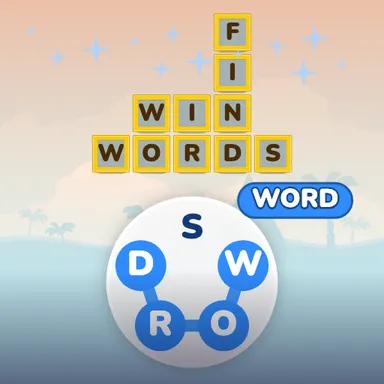
Word Sprint Clock turns the calm crossword wheel into a race against the sunrise. Every puzzle starts a seventy-five second timer and the bar at the top drains while you hunt for answers. Swipe across the letters to spell words; each correct word slots into the grid and pushes six seconds back onto the clock, so a quick streak can keep you going much longer than the timer suggests. Stay sharp near the end: under ten seconds the bar turns red, the clock starts ticking and a voice tells you to hurry. Finish with half the time still on the bar for three stars, with a quarter left for two. The sixty puzzles use four- to six-letter wheels with friendly everyday words, so the challenge is speed rather than obscure vocabulary. Spinning the wheel with the shuffle button often makes a hidden word jump out, bonus words fill the jar for extra coins and hints are there when the minutes slip away, though they cost a little more here. It is the perfect word game for a coffee break: short, bright, and always one more try away from a faster run.
How to play
Swipe the letters to spell words before the timer runs out. Every word you find adds seconds. Finish fast for more stars. Shuffle to spin the wheel, the bulb buys a hint. Keyboard: type, Enter, Backspace.
Controls
| Drag | Move |
| Click / Tap | Select |
| Space | Move |
📺 Play on a TV or projector
- Laptop or PC: connect it to the TV or projector with an HDMI cable (or cast the Chrome tab / mirror your screen), then press the fullscreen button.
- Android TV, Google TV or a TV box: open this site in a browser app on the TV (any Chromium-based TV browser works) and pick a game with the remote's arrows and OK.
- Gamepad: pair a Bluetooth controller (Xbox, PlayStation or a generic one) or plug in a USB one. Stick or D-pad moves, Ⓐ/✕ jumps and selects, Start pauses, View/Select switches fullscreen. In point-and-click games the right stick moves a pointer and RT clicks.
- Phone or tablet: mirror or cast your screen to the TV, or open the site in the TV's own browser.
Difficulty: ★★★☆☆ · Released: 2026-10-08