
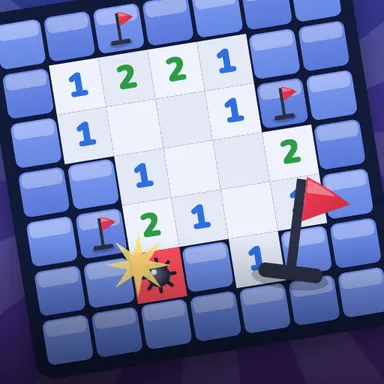
About Classic Minesweeper
Classic Minesweeper brings the legendary logic game back with crisp modern tiles and none of the old frustrations. Every number tells you how many mines touch that square, so careful reasoning lets you clear the whole field without stepping on a single one. Choose Beginner, Intermediate or Expert, or build a custom field by picking its width, height and mine density. With No Guessing switched on, every board is checked by a solving algorithm before you play, so the mines can always be found by logic alone and you never lose to a coin flip. Openings ripple outward across the board, flags drop in with a satisfying bounce, and clicking a number that already has all its flags opens every neighbour at once, just like the pros do it. On phones, tap to dig and hold to flag, or switch on Flag mode for one handed play; large boards turn upright to fit your screen. Stuck? Hint highlights a tile the numbers prove is safe and shows the reasoning. Hit a mine and you can undo that tap once. Track best times per board and try the shared Daily Challenge.
How to play
Click/tap a tile to dig; right-click or long-press to flag (F). Numbers show how many mines touch a tile. Click a number whose flags are all placed to open its neighbours. Clear every safe tile to win. Hint (H), New board (N), Menu (M).
Controls
| Click / Tap | Select |
| Right-clickHold | Place |
| F | Place |
📺 Play on a TV or projector
- Laptop or PC: connect it to the TV or projector with an HDMI cable (or cast the Chrome tab / mirror your screen), then press the fullscreen button.
- Android TV, Google TV or a TV box: open this site in a browser app on the TV (any Chromium-based TV browser works) and pick a game with the remote's arrows and OK.
- Gamepad: pair a Bluetooth controller (Xbox, PlayStation or a generic one) or plug in a USB one. Stick or D-pad moves, Ⓐ/✕ jumps and selects, Start pauses, View/Select switches fullscreen. In point-and-click games the right stick moves a pointer and RT clicks.
- Phone or tablet: mirror or cast your screen to the TV, or open the site in the TV's own browser.
Difficulty: ★★☆☆☆ · Released: 2026-10-07