
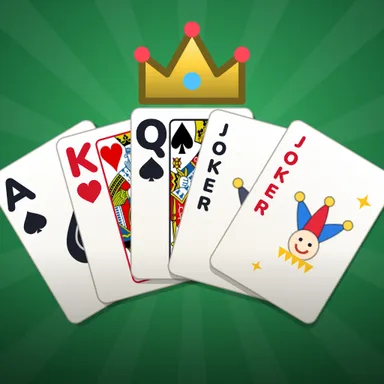
About Dou Dizhu: Landlord Showdown
Dou Dizhu: Landlord Showdown brings China's favourite card game to your browser with the polish of a real card room. Three players share a deck with two jokers: one bids to become the Landlord, takes the three hidden bottom cards and plays alone against two Farmers who team up to stop them. Shed your whole hand first to win. Lead singles, pairs, triples with a kicker, straights of five or more, pair straights and airplanes, and answer every play with a bigger one of the same shape — or blow the table open with a four-card Bomb or the unbeatable Rocket of both jokers, each one doubling the stakes. Cards are big and crisp, with classic court art; tap them one by one or swipe across a run and the table grabs the straight for you. The Hint button suggests the smallest play that wins the trick, a card counter tracks what is still out, and Auto mode plays for you when you need a break. Practise against sharp AI opponents with full voice call-outs, then sign in to take a seat at live tables: quick match, private rooms with a code, and points for every win.
How to play
Bid 1–3 points to become the Landlord, or pass. Tap or swipe cards to select them, then press Play (Enter). Beat the last play with a bigger combination of the same type, or a Bomb / Rocket; press Pass (X) if you can't. Hint (H) picks a play for you. First to empty their hand wins for their side.
Controls
| Click / TapDrag | Select |
| Enter | Place |
| X | Pass |
📺 Play on a TV or projector
- Laptop or PC: connect it to the TV or projector with an HDMI cable (or cast the Chrome tab / mirror your screen), then press the fullscreen button.
- Android TV, Google TV or a TV box: open this site in a browser app on the TV (any Chromium-based TV browser works) and pick a game with the remote's arrows and OK.
- Gamepad: pair a Bluetooth controller (Xbox, PlayStation or a generic one) or plug in a USB one. Stick or D-pad moves, Ⓐ/✕ jumps and selects, Start pauses, View/Select switches fullscreen. In point-and-click games the right stick moves a pointer and RT clicks.
- Phone or tablet: mirror or cast your screen to the TV, or open the site in the TV's own browser.
Difficulty: ★★★☆☆ · Released: 2026-10-07