
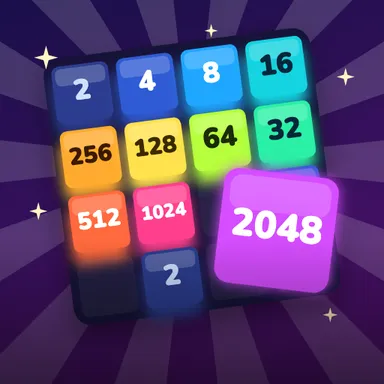
About 2048 Neon Quest
2048 Neon Quest takes the famous merging puzzle and turns it into thirty goal based levels glowing on a dark arcade board. Instead of playing until the board fills, every level hands you a clear target: make a 64, then a 256, then a 1024 and finally the mighty 2048. The rules stay simple, swipe to slide every tile and merge equal numbers into their sum, but each stage changes the battlefield. Some levels shrink the grid to a cramped three by three, others open up a six by six arena, and many drop heavy stone blocks onto the board that tiles cannot pass through or merge with, forcing you to rethink the usual corner strategy. A few levels start with tiles already placed, setting up a little puzzle to solve before luck takes over. Every level uses its own fixed tile sequence, so practice really pays off. Reach the goal within the par move count for three stars. You get two undos per level that rewind the spawned tile too, plus a hint that points to the smartest swipe. Neon tiles glow brighter as they grow, and progress saves automatically.
How to play
Swipe or use the arrow keys to slide every tile; equal tiles merge. Make the level's goal tile shown at the top. Stones never move and block merges. Finish within par moves for 3 stars. Undo (Z) — 2 per level, Hint (H).
Controls
| Swipe | Swipe |
| Arrow keysW A S D | Move |
| Z | Restart |
📺 Play on a TV or projector
- Laptop or PC: connect it to the TV or projector with an HDMI cable (or cast the Chrome tab / mirror your screen), then press the fullscreen button.
- Android TV, Google TV or a TV box: open this site in a browser app on the TV (any Chromium-based TV browser works) and pick a game with the remote's arrows and OK.
- Gamepad: pair a Bluetooth controller (Xbox, PlayStation or a generic one) or plug in a USB one. Stick or D-pad moves, Ⓐ/✕ jumps and selects, Start pauses, View/Select switches fullscreen. In point-and-click games the right stick moves a pointer and RT clicks.
- Phone or tablet: mirror or cast your screen to the TV, or open the site in the TV's own browser.
Difficulty: ★★★☆☆ · Released: 2026-10-07