
About Sudoku Journey
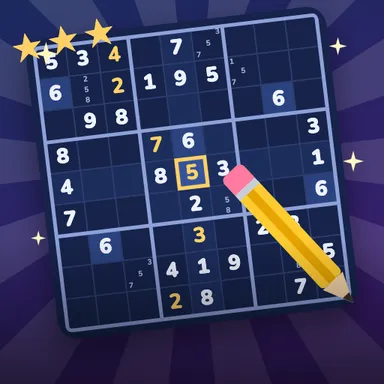
Sudoku Journey turns the world's favourite number puzzle into a sixty stage path under a deep midnight sky. The first steps are gentle warm ups with plenty of digits already in place, perfect for learning how rows, columns and boxes work together. Then the road climbs: easy grids give way to medium ones, hard puzzles that demand pointing candidates, and finally expert boards where you need naked pairs and real patience. Every level was generated, checked for a single unique solution and graded by the techniques it requires, so the difficulty rises smoothly instead of jumping around. Golden digits glow as you place them, finished rows and boxes ripple with light, and solving a level earns up to three stars: a flawless solve with no mistakes gets all three. You have three mistakes and three hints per level, so think before you tap. Pencil notes, unlimited undo and automatic note cleanup keep the focus on reasoning. Progress and stars are saved, so you can stop after any stage and pick up the journey tomorrow.
How to play
Tap a square, then a number (or type 1–9). Fill every row, column and 3×3 box with 1–9. Notes (N) for candidates, Hint (H) — 3 per level, Undo (Z). No mistakes = 3 stars; the third mistake ends the level.
Controls
| Click / Tap | Select |
| 1-9 | Place |
| Arrow keys | Move |
📺 Play on a TV or projector
- Laptop or PC: connect it to the TV or projector with an HDMI cable (or cast the Chrome tab / mirror your screen), then press the fullscreen button.
- Android TV, Google TV or a TV box: open this site in a browser app on the TV (any Chromium-based TV browser works) and pick a game with the remote's arrows and OK.
- Gamepad: pair a Bluetooth controller (Xbox, PlayStation or a generic one) or plug in a USB one. Stick or D-pad moves, Ⓐ/✕ jumps and selects, Start pauses, View/Select switches fullscreen. In point-and-click games the right stick moves a pointer and RT clicks.
- Phone or tablet: mirror or cast your screen to the TV, or open the site in the TV's own browser.
Difficulty: ★★★☆☆ · Released: 2026-10-07