
About Snowy Team Turf
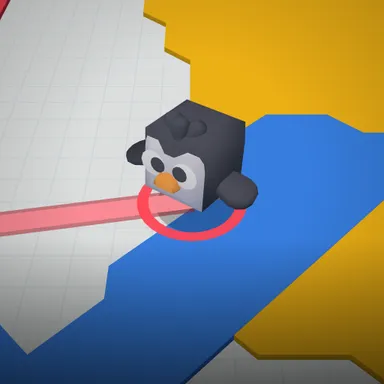
Snowy Team Turf is territory painting as a team sport. Three squads of four, Red, Blue and Yellow, share one icy square board in a winter wonderland of snowy pines, snowmen and presents, and every slab of land belongs to the whole team. That changes everything. Your loops can start from any piece of your team's land, so a teammate's big grab becomes your new launch pad, and your trails pass harmlessly through your friends instead of knocking them out. Rivals are another story: cross a Red or Yellow trail to send that painter back to the start, and protect your own trail because they will try the same. When a painter is knocked out the team keeps its land, and the painter respawns right next to the squad, so the battle is a three-minute tug of war rather than a single elimination. The bar at the top shows the live share of each colour, and the team holding the biggest part of the board when the clock runs out wins. Stick close to your team, push into enemy land together and steal their corners while they are busy fighting each other. Online, up to six friends and rivals fill the three squads through Quick Match, a room or an invite, and CPU painters play every empty seat.
How to play
Steer with the mouse, the arrow keys or by dragging. Start loops from any of your team's land and come back to claim it. Teammates' trails are safe to cross. The team with the most land at the bell wins. Online: Quick Match, a room or a friend invite fills the three squads.
Controls
| Mouse | Steer |
| Arrow keysW A S D | Steer |
| Drag | Steer |
📺 Play on a TV or projector
- Laptop or PC: connect it to the TV or projector with an HDMI cable (or cast the Chrome tab / mirror your screen), then press the fullscreen button.
- Android TV, Google TV or a TV box: open this site in a browser app on the TV (any Chromium-based TV browser works) and pick a game with the remote's arrows and OK.
- Gamepad: pair a Bluetooth controller (Xbox, PlayStation or a generic one) or plug in a USB one. Stick or D-pad moves, Ⓐ/✕ jumps and selects, Start pauses, View/Select switches fullscreen. In point-and-click games the right stick moves a pointer and RT clicks.
- Phone or tablet: mirror or cast your screen to the TV, or open the site in the TV's own browser.
Difficulty: ★★★☆☆ · Released: 2026-10-08