
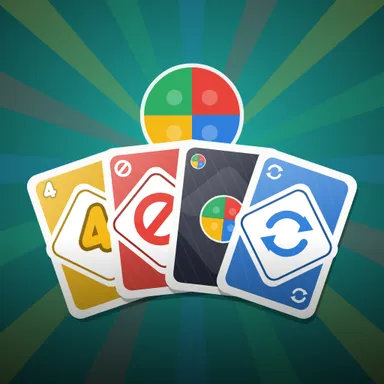
About Four Colors: Match & Shed
Four Colors: Match & Shed is the fast, friendly card game everybody already half knows, rebuilt with bright original cards for two to four players. Everyone starts with seven cards and races to empty their hand. On your turn, play a card that matches the top of the pile by colour, number or symbol, or throw down a Wild and choose the new colour. Can't match? Draw one from the stock, and if it fits you may play it straight away. Action cards keep every round lively: Skip jumps the next player, Reverse spins the direction of play around the table, Draw Two makes the next player pick up two and lose their turn, and the Wild Draw Four changes the colour and hands the next player four cards. When you are down to two cards, tap LAST CARD! before you play, or the next player can catch you and make you draw two. The first player out wins and scores the cards left in everyone else's hand. Choose two, three or four players and Easy, Normal or Hard bots ported from a sharp AI that saves its wilds and attacks when you are close to winning. Hints and undo help newcomers, and live online tables are a tap away.
How to play
Play a card that matches the top card's colour, number or symbol, or a Wild (then pick a colour). Click a card to play it (tap twice or drag up on phones). No match? Press Draw (D). With two cards left press LAST CARD! (L) before playing. First to empty their hand wins. H = hint, U = undo.
Controls
| Click / Tap | Select |
| D | Draw |
| Enter | Place |
📺 Play on a TV or projector
- Laptop or PC: connect it to the TV or projector with an HDMI cable (or cast the Chrome tab / mirror your screen), then press the fullscreen button.
- Android TV, Google TV or a TV box: open this site in a browser app on the TV (any Chromium-based TV browser works) and pick a game with the remote's arrows and OK.
- Gamepad: pair a Bluetooth controller (Xbox, PlayStation or a generic one) or plug in a USB one. Stick or D-pad moves, Ⓐ/✕ jumps and selects, Start pauses, View/Select switches fullscreen. In point-and-click games the right stick moves a pointer and RT clicks.
- Phone or tablet: mirror or cast your screen to the TV, or open the site in the TV's own browser.
Difficulty: ★★☆☆☆ · Released: 2026-10-07