
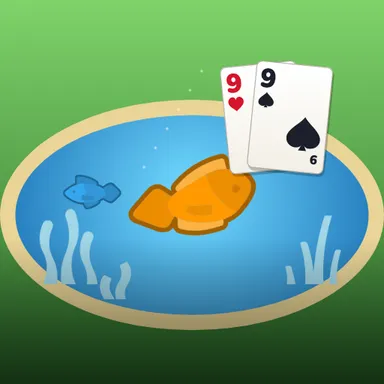
About Go Fish Pairs: Lily Pond
Go Fish Pairs: Lily Pond is the speedy matching version of the classic, set on a leafy green pond full of curious fish, made for quick games and younger players. Instead of hunting all four of a kind, every matching pair is a book. Any pairs in your opening hand go straight down, so the game starts with a burst of matches, and from then on each successful ask completes a pair on the spot. On your turn, tap a card to choose its rank and ask any other player for it. If they hold one, they hand it over, your pair goes down and you ask again; if not, they call Go fish! and you take a card from the pond, keeping your turn if it makes the pair you wanted. With twenty-six pairs to find, turns fly by and the lead can change in a moment. Collect the most pairs to win. The default bots play Easy and forget a lot, perfect for learning, but Normal and Hard opponents remember what you asked for and pounce on it. Bright speech bubbles, splashes and sparkles show exactly what happened on every turn, hints suggest a good ask, and you can take back a move whenever you like. Sign in to play the same rules online.
How to play
Tap a card to choose its rank, then tap Ask on a player. If they have that rank you get it, lay down the pair and ask again; otherwise draw from the pond. Every pair is a book. Most pairs wins. H = hint, Enter = ask, U = undo.
Controls
| Click / Tap | Select |
| Enter | Place |
📺 Play on a TV or projector
- Laptop or PC: connect it to the TV or projector with an HDMI cable (or cast the Chrome tab / mirror your screen), then press the fullscreen button.
- Android TV, Google TV or a TV box: open this site in a browser app on the TV (any Chromium-based TV browser works) and pick a game with the remote's arrows and OK.
- Gamepad: pair a Bluetooth controller (Xbox, PlayStation or a generic one) or plug in a USB one. Stick or D-pad moves, Ⓐ/✕ jumps and selects, Start pauses, View/Select switches fullscreen. In point-and-click games the right stick moves a pointer and RT clicks.
- Phone or tablet: mirror or cast your screen to the TV, or open the site in the TV's own browser.
Difficulty: ★☆☆☆☆ · Released: 2026-10-07